> ## Documentation Index
> Fetch the complete documentation index at: https://docs.makemypass.com/llms.txt
> Use this file to discover all available pages before exploring further.
# Post Event
> The Post Event section allows organizers to send follow-up emails and upload event media after the event has concluded.
## Post-Event Emails
This section enables the initiation of post-event emails, categorized into two types:
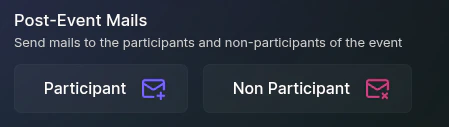 ### Participant Emails
* Sends the [**AfterEventThankYou**](/event/eventPage/manage-event#mail-management) email to all attendees who checked in at the event venue on at least one of the event days.
### Non-Participant Emails
* Sends the [**AfterEventSorry**](/event/eventPage/manage-event#mail-management) email to individuals who registered and were shortlisted but did not check in for the event.
## Upload Event Media
Organizers can upload the following post-event resources:
### Participant Emails
* Sends the [**AfterEventThankYou**](/event/eventPage/manage-event#mail-management) email to all attendees who checked in at the event venue on at least one of the event days.
### Non-Participant Emails
* Sends the [**AfterEventSorry**](/event/eventPage/manage-event#mail-management) email to individuals who registered and were shortlisted but did not check in for the event.
## Upload Event Media
Organizers can upload the following post-event resources:
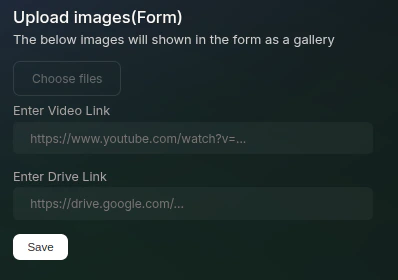 * **Event Photos**
* **Event Video Link**
* **Drive Link**
These uploaded resources will be displayed on the **public event page**, as the event registration form is no longer active.
* **Event Photos**
* **Event Video Link**
* **Drive Link**
These uploaded resources will be displayed on the **public event page**, as the event registration form is no longer active.